.
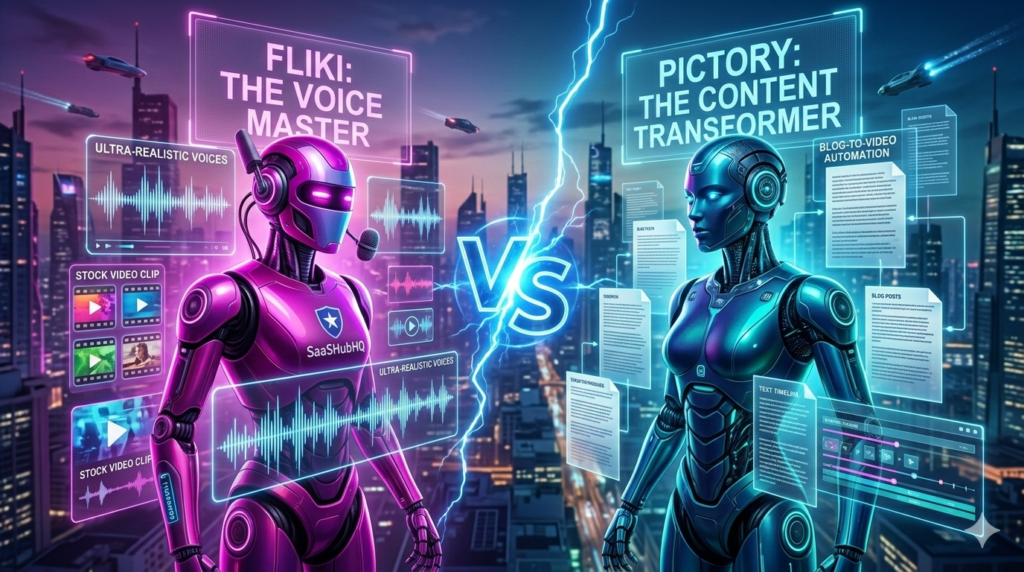
Fliki vs Pictory in 2026: I Was Wrong About Both of Them
Three weeks ago I was ready to cancel one of these subscriptions.
I just wasn’t sure which one yet.
I’d been using both for a month — not casually, but seriously. Trying to build a real content system. Publishing actual videos. Tracking what worked and what didn’t. And I kept running into the same frustrating feeling: like I was using the wrong tool for every job.
Turns out I was.
Nobody Tells You This Upfront
Every comparison article you’ll find says something like “both are great, it depends on your needs.” Then they list features and call it a day.
That’s not helpful.
So I’m going to tell you the thing that took me three weeks and about 22 videos to figure out: Fliki and Pictory aren’t competing for the same job. Using one to do the other’s job is like using a hammer to cut wood. Technically possible. Genuinely painful.
Here’s what they’re actually built for.
Fliki: Built for People Who Have Nothing Yet
No existing content. No audience. Just ideas and a willingness to publish.
Fliki starts with a script — yours or AI-generated — and builds a complete video around it. It picks footage, adds voice, syncs everything. The voice quality is where it genuinely stands out. With 2,000+ voices across 75+ languages, it’s the best AI voice library I’ve tested at this price point.
The experience doesn’t feel like video editing. It feels like directing. You write, it produces.
Pricing:
• Free — watermarked, limited minutes
• Standard: ~$21/month — 180 minutes, no watermark
• Premium: ~$66/month — voice cloning, avatars, higher limits
The honest limitation: Give Fliki a 45-minute webinar and ask it to find the best clips. It won’t know what to do. That’s not what it’s for.
👉 Try Fliki Free
Pictory: Built for People Who Have Too Much Already
A blog archive. A podcast backlog. Long YouTube videos that took hours to make and got maybe 200 views.
Pictory looks at all of that and sees raw material. Drop in a blog post and it builds a video. Drop in a long video and it finds the 60-second moments worth sharing. It adds captions automatically — the kind that actually match what’s being said.
It’s not creating content. It’s multiplying content that already exists.
Pricing:
• Free trial — limited exports
• Standard: ~$25/month — 30 videos/month
• Premium: ~$49/month — 60 videos, team seats
• Teams: ~$119/month — unlimited
The honest limitation: Start Pictory with a blank page and you’ll stare at it for a while. It needs source material. Without that, it has nothing to work with.
👉 Try Pictory Free — Use code SHEA20CC for 20% off
The Week Everything Made Sense
Week one I tried to launch a YouTube channel using Pictory. Zero existing content. Just ideas.
Four hours later I had one video. It was fine. Nothing that would make anyone subscribe.
I switched to Fliki for the same task. Ninety minutes later I had three videos. The third one — a simple breakdown of AI tools for beginners — hit 1,200 views in its first week with zero promotion. Just uploaded and left it.
Week three I had the opposite problem. A 45-minute recorded webinar sitting on my hard drive, completely unused. I tried cutting it in Fliki first. Clunky. Awkward. Not what the tool is designed for.
Dropped it into Pictory. Twenty minutes later I had eight clips. Captions already done. The strongest one hit 2,300 views organically. That clip took me less time to create than this paragraph took to write.
Same person. Same week. Two completely different tools doing two completely different jobs.
By the Numbers
After 3 weeks of real use:
✅ Videos created with Fliki: 14
✅ Videos created with Pictory: 8
✅ Average time per Fliki video: 28 minutes
✅ Average time per Pictory video: 41 minutes
✅ Best Fliki video: 1,200 views, week one, zero promotion
✅ Best Pictory clip: 2,300 views, organic
The Part Nobody Warns You About
Week two I got overconfident. Created 6 Fliki videos in one day. All of them flopped.
Not Fliki’s fault. My scripts were rushed. I was treating the tool like a content factory and forgetting that the tool only amplifies what you give it. Bad input, polished bad output.
These tools don’t fix weak ideas. They execute them faster.
That’s a feature if your ideas are good. It’s a liability if they’re not.
So Which One?
Choose Fliki if:
You’re starting from zero. You want to publish consistently without filming. You need multiple languages. Voice quality matters to you.
Choose Pictory if:
You have existing content collecting dust. You write blog posts and want video versions. You record long content and need short clips.
Choose both if:
You create original content regularly AND want to repurpose it. Use Fliki to build, Pictory to distribute. That’s the combination I use now — and it’s cut my content production time by more than half.
The Real Question
Stop asking which tool is better.
Ask yourself: right now, today, do I have content that already exists — or am I starting from scratch?
If you have existing content: start with Pictory.
If you’re starting fresh: start with Fliki.
Try the free tier of whichever one fits. You’ll know within an hour if it’s right for your workflow.
And if you’re still not sure after reading all of this — just try both. The free tiers are genuinely useful and neither requires a credit card to get started.
👉 Try Fliki Free
👉 Try Pictory Free — Code SHEA20CC for 20% off
More AI video tools worth knowing: HeyGen for avatar videos, ElevenLabs for voice-only projects.